Best-of Guide
Best Web Hosting for Beginners in 2026
The short version
For a first website where budget and simplicity matter most, Hostinger is the value pick — it has the lowest renewal price on this list. Choose SiteGround if you want more managed features and 24/7 human support and can absorb a higher renewal. Step up to Cloudways when you outgrow shared hosting and want to control the server.
Beginner hosting compared (real pricing)
Cheap hosting is sold on a discounted introductory price that renews higher, so the renewal price is what a beginner should actually compare. Figures below are from each host's official pages (verified June 12, 2026).
| Host | Intro price | Renews at | Best for | Details |
|---|---|---|---|---|
| Hostinger | $2.99/mo | $10.99/mo | Lowest-cost first site | Hostinger review · visit |
| SiteGround | $2.99/mo | $17.99/mo | Managed features + support | SiteGround review |
| Cloudways | Server-size based | Usage based | Growing into more control | Cloudways review · visit |
Best hosting by beginner type
Lowest cost first site
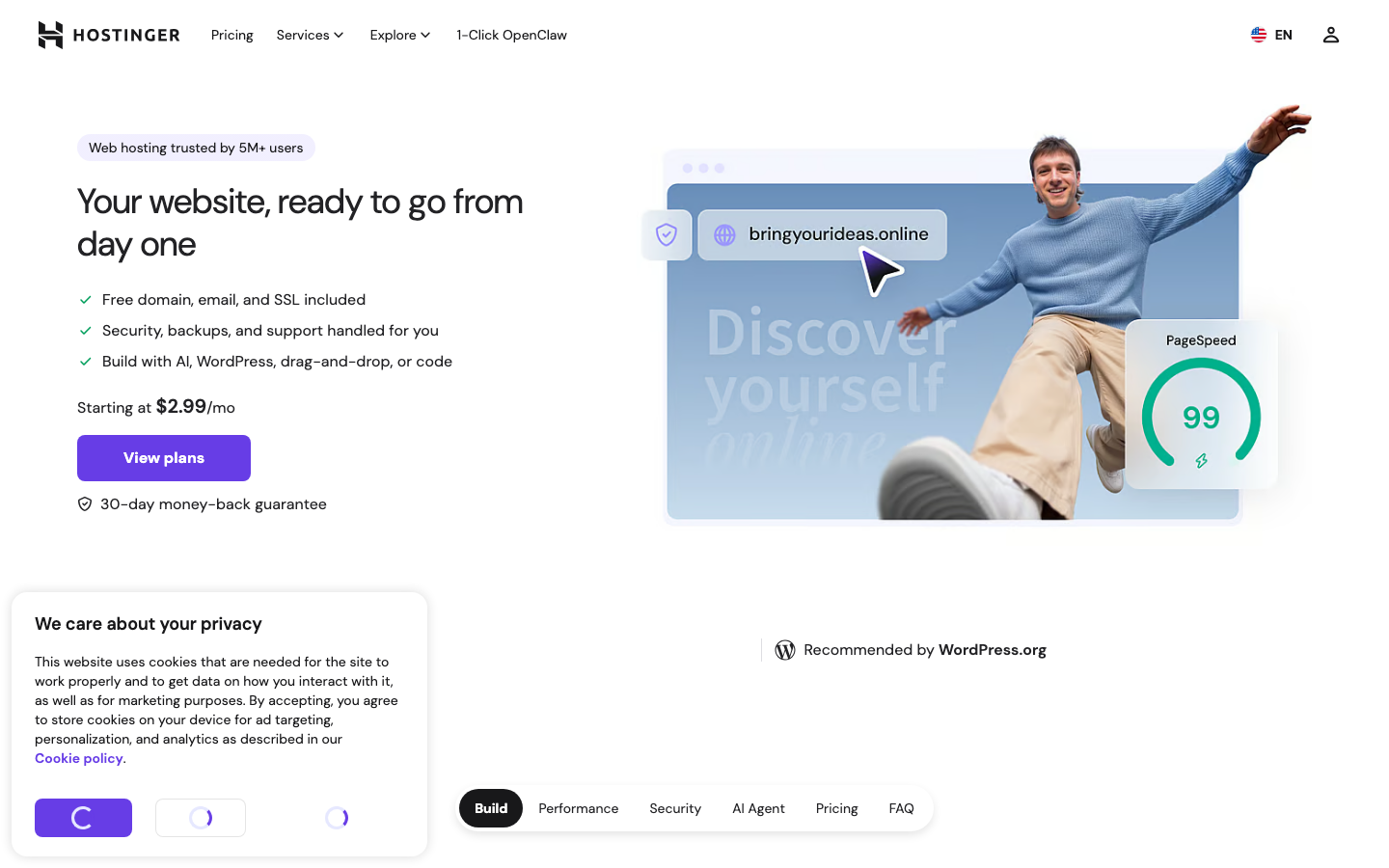
Start with Hostinger. Its Premium plan starts at $2.99/mo (on a long prepaid term) and renews at $10.99/mo, includes up to 3 websites and 20 GB storage, a 30-day money-back guarantee, and is officially recommended by WordPress.org. Visit Hostinger →
Most managed features
Choose SiteGround if you want free daily backups, staging on higher tiers, caching, and 24/7 human support out of the box. Its StartUp plan is $2.99/mo intro but renews at $17.99/mo for one site, so weigh the renewal.
Room to grow
Pick Cloudways when a simple shared plan is no longer enough and you want to choose your cloud provider and server size. It expects a little more comfort with servers in exchange for flexibility. Visit Cloudways →
How to choose your first host
- Compare the renewal price, not the intro price. The first-term discount ends; budget for what you will pay in year two.
- Check the website and storage limits. A single-site entry plan is fine for one project, but plan ahead if you want several sites.
- Look for free SSL, backups, and an easy WordPress install. All three hosts here include SSL and backups.
- Use the money-back guarantee. Hostinger and SiteGround both offer 30 days to test risk-free.
- Pick a host you can grow with so you are not forced to migrate the moment traffic rises.
When to skip beginner hosting
If your site already earns revenue or expects real traffic, premium managed WordPress hosting is usually worth it from day one. Compare Kinsta and WP Engine in our best managed WordPress hosting shortlist, or see the full best web hosting hub for picks by buyer type. Building a business by yourself? Our 100 one-person companies study breaks down how solo founders actually do it.
FAQ
What is the best web host for a beginner?
For a first site where budget and simplicity matter most, Hostinger is the value pick on this list — it has the lowest renewal price ($10.99/mo) and includes up to three websites. SiteGround is the stronger choice if you want more managed features and human support and can absorb a higher renewal.
How much should a beginner pay for hosting?
Entry plans advertise around $2.99/mo, but that is an introductory rate. Expect to pay the renewal rate after the first term — about $10.99/mo on Hostinger or $17.99/mo on SiteGround's StartUp — so compare hosts on the renewal price.
Do I need managed WordPress hosting as a beginner?
Not usually. A standard shared plan from Hostinger or SiteGround is enough to launch a first WordPress site. Move to managed hosting like Kinsta or WP Engine once the site earns money or traffic grows.