Hosting
Kinsta is a managed WordPress hosting platform that runs sites on its own infrastructure, controlled through the MyKinsta dashboard, with Cloudflare integration and built-in performance and security features. The entry plan, Single 20GB, costs $35/mo billed monthly or $30/mo billed annually ($350/year, saving $70), with the first month free under either billing mode: 1 WordPress install, 20GB server bandwidth, 10GB storage, and 125GB CDN bandwidth. The billing model is unusual for the tier: you pay for server bandwidth rather than visits, which suits sites with heavy assets and steady traffic.
Every Kinsta plan includes Cloudflare integration with enterprise DDoS protection, CDN, and edge caching, plus advanced caching, bot protection, automatic plugin updates, and APM (application performance monitoring). The entry tier carries unlimited free migrations and 14-day backup retention, and the private network comes with an uptime SLA of up to 99.99%. Dedicated servers start at $500/mo, with multisite and WooCommerce hosting options and custom agency plans available.
Kinsta competes directly with WP Engine in the premium managed-WordPress tier, at roughly 10-12x the intro price of budget shared hosts. Where budget hosts sell cheap first years and steep renewals, Kinsta's trade-off is the opposite: a high floor ($350/year) with managed security, migration, and performance tooling included, priced by server bandwidth rather than by visits.
Kinsta
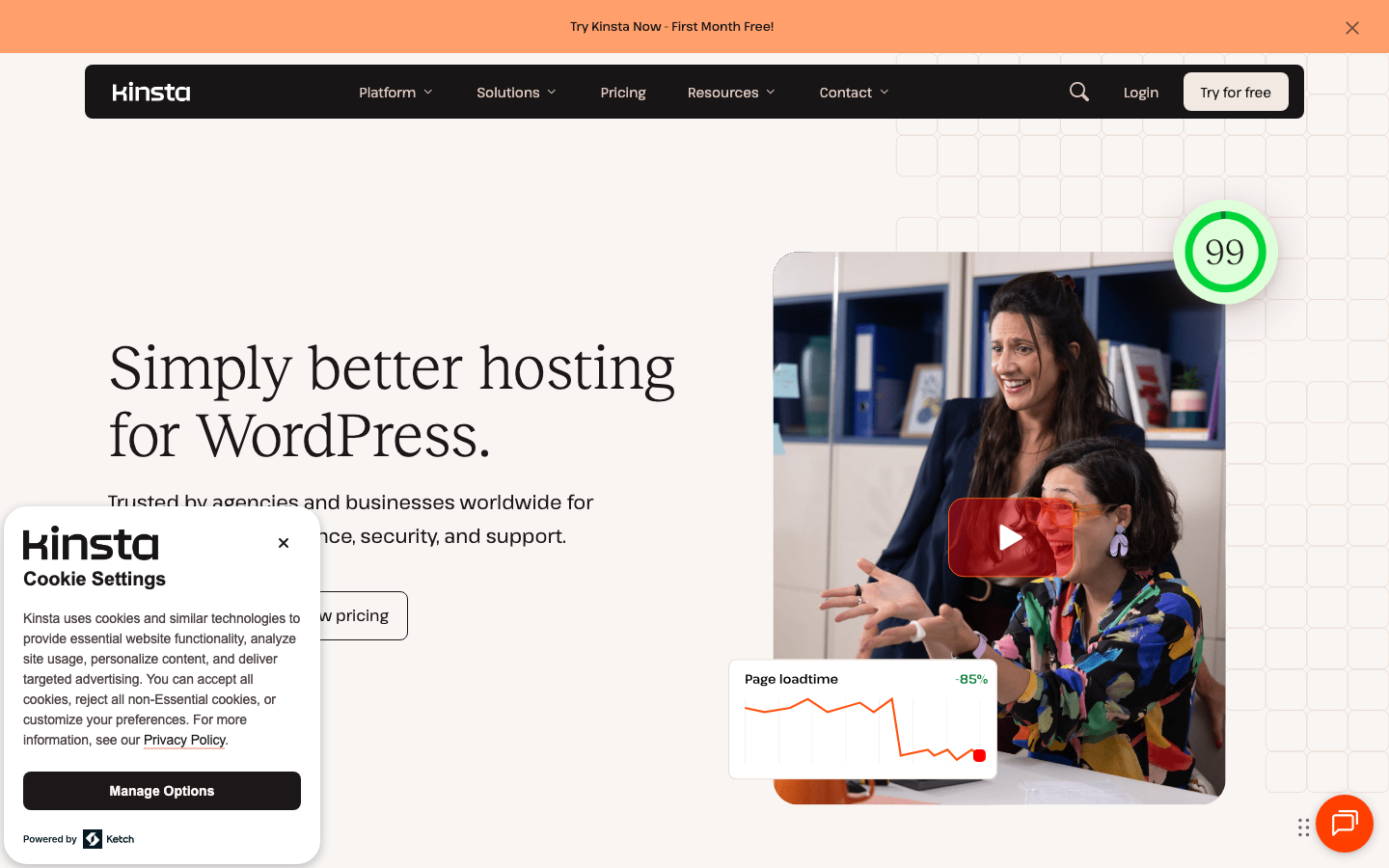
Kinsta is a managed WordPress hosting platform that runs sites on its own infrastructure with the MyKinsta dashboard, Cloudflare integration, and built-in performance and security features. Best for: Businesses and agencies needing high-performance managed WordPress hosting.
At a glance
| Category | Hosting |
| Starts at | $35/mo (Single 20GB plan; $350/yr if billed annually, first month free) |
| Pricing | WordPress hosting starts at $35/mo (or $350/yr annually, saving $70) for the Single 20GB plan with 1 WordPress install, 20GB server bandwidth, 10GB storage and 125GB CDN bandwidth; first month free; dedicated servers start at $500/mo. |
| Best for | Businesses and agencies needing high-performance managed WordPress hosting |
Key features
- Managed WordPress hosting controlled via the MyKinsta dashboard, including WordPress file management
- Cloudflare integration with enterprise DDoS protection, CDN, edge caching, and advanced caching included in all plans
- Bot protection, automatic plugin updates, and APM (application performance monitoring)
- Unlimited free migrations and 14-day backup retention on the entry plan
- Private network with up to 99.99% uptime SLA; dedicated servers and multisite/WooCommerce hosting options
How does Kinsta compare to WP Engine and SiteGround?
Kinsta vs WP Engine. Entry pricing is nearly identical: Kinsta's Single 20GB plan is $30/mo annual ($350/year, first month free) and WP Engine's Startup plan is $30/mo on annual billing (first-year pricing for new customers). Kinsta bills by server bandwidth (20GB on the entry plan) and includes unlimited free migrations; WP Engine bills by monthly visits and sells optional add-ons (managed WAF +$19/mo, NitroPack +$20/mo) that raise the real cost. Kinsta's Cloudflare integration is a differentiator, while WP Engine counters with GitHub Actions deployments. Both include staging, daily backups, and CDN; pick based on your billing metric and add-on needs.
Kinsta vs SiteGround. SiteGround's StartUp plan is $2.99/mo intro and renews at $17.99/mo on a 12-month prepaid term, versus Kinsta's $350/year floor. SiteGround is shared hosting with free email, CDN, and daily backups; Kinsta is managed infrastructure with enterprise DDoS protection, edge caching, APM, unlimited migrations, and an uptime SLA ceiling of 99.99%. If the budget allows, Kinsta buys a materially different security and performance envelope; if not, SiteGround's first-year price is hard to beat.
The practical bottom line: Kinsta and WP Engine price their entry tiers within a dollar of each other, so the decision is about billing and inclusions. Kinsta's bandwidth-based billing and unlimited migrations favor sites with predictable bandwidth, while WP Engine's visit-based billing favors sites with light pages but large audiences. Either way, budget for roughly $350-360/year on the entry tier before considering plan upgrades.
Who should use Kinsta?
Kinsta fits businesses and agencies running WordPress sites where performance, security, and managed maintenance justify a premium price. If you are an agency migrating many client sites, the unlimited free migrations and MyKinsta dashboard make consolidation straightforward, and bandwidth-based billing is predictable for sites with steady traffic.
Ecommerce and WooCommerce operators get enterprise DDoS protection, edge caching, bot protection, and automatic plugin updates, plus APM to spot slow queries before they hurt conversions, all without assembling a security stack themselves.
Sites with international audiences benefit from the included Cloudflare edge caching and enterprise DDoS protection, which are part of the plan rather than sold as add-ons. Agencies that manage several WordPress installs can use the MyKinsta dashboard to handle files, backups, and performance monitoring from one console, and custom agency plan pricing exists for larger portfolios.
Kinsta is NOT ideal for hobby sites, personal blogs, or budget-constrained projects: $350/year is roughly 10-12x a budget host's first-year price, and the entry plan caps you at 1 WordPress install and 20GB of server bandwidth. If your site is small or traffic is low, a shared host is the rational choice.
Pricing
WordPress hosting starts at $35/mo (or $350/yr annually, saving $70) for the Single 20GB plan with 1 WordPress install, 20GB server bandwidth, 10GB storage and 125GB CDN bandwidth; first month free; dedicated servers start at $500/mo. Confirm current terms on the vendor site before buying.
Alternatives
Worth comparing: Wp Engine, Siteground.
FAQ
How much does Kinsta cost?
WordPress hosting starts at $35/mo billed monthly or $30/mo billed annually for the Single 20GB plan ($350/year, saving $70, with the first month free). The plan includes 1 WordPress install, 20GB server bandwidth, 10GB storage, and 125GB CDN bandwidth. Billing is based on server bandwidth, with a bandwidth/visits toggle on the plans page. Dedicated servers start at $500/mo.
Is Kinsta free?
No. Kinsta does not offer a free plan, but the first month is free on the entry plan, and unlimited free migrations are included on all plans.
Does Kinsta include backups?
Yes. The Single 20GB entry plan includes 14-day backup retention, and unlimited free migrations are included on every plan.
Kinsta vs WP Engine: which is better?
Both start at $30/mo on annual billing. Kinsta bills by server bandwidth (20GB on entry) and includes unlimited free migrations and Cloudflare-based edge caching; WP Engine bills by visits and charges extra for add-ons like managed WAF and NitroPack. Both include staging and daily backups, so the differentiator is the billing metric and Kinsta's unlimited migrations versus WP Engine's paid add-ons. Compare your expected visits and bandwidth, then check which add-ons you would need on WP Engine.