Best-of Guide · Servers / VPS
Best Cheap VPS for a Discord Bot (24/7)
Why a VPS beats a home PC for a Discord bot
A Discord bot has to stay connected to Discord's gateway around the clock. The moment the process stops, the bot goes offline and stops responding to commands. That makes "always-on" the single most important requirement, and it's exactly where a home PC falls short.
- It runs 24/7. A VPS lives in a data center with redundant power and network. You don't lose the bot to a reboot, a Windows update, or someone unplugging the wrong cable.
- No need to leave your computer on. Running a bot at home means your PC has to stay powered, awake, and online all night, which wastes electricity and ties up the machine.
- A clean, stable IP and uptime. Home internet drops, changes IP, and isn't built for hosting. A VPS gives you a fixed environment that stays up.
- You can step away. Once the bot is deployed on a server, it keeps running whether your laptop is open or in another country.
For a single hobby bot the difference is convenience; for a bot a community depends on, an always-on server is the only sensible option.
| Pick | Starting price | Specs | Management | Best for |
|---|---|---|---|---|
| RackNerd | From $2.24/mo | KVM VPS, low-spec plans, 12 locations | Self-managed (RAW Linux) | Lowest cost, comfortable with SSH |
| Hostinger KVM 1 | $6.49/mo intro (renews $11.99/mo) | 1 vCPU, 4 GB RAM, 50 GB NVMe, 4 TB | Friendly dashboard | Easier setup, room to grow |
| Hostinger KVM 2 | $8.99/mo intro (renews $14.99/mo) | 2 vCPU, 8 GB RAM, 100 GB NVMe, 8 TB | Friendly dashboard | Multiple bots or a database |
Low specs are fine: what your bot actually needs
One of the best things about hosting a Discord bot is how little hardware it needs. A typical Node.js or Python bot is mostly idle, waiting for events from Discord and responding to them. It is not a heavy workload.
- 1 GB RAM comfortably runs most small to mid-size bots (moderation, music queues, utility commands).
- 2 GB RAM gives breathing room for bots in many servers, a database, or extra background tasks.
- 1 vCPU is enough; bots spike briefly on commands and otherwise sit quiet.
- A few GB of disk covers the runtime, your code, and a small SQLite or local database.
This is why a cheap VPS is the sweet spot. You don't need a powerful or expensive machine, just a reliable one that stays on. Spending more on RAM and CPU you'll never use is wasted money for this kind of workload. Save the bigger plans for bots doing media processing or running heavy AI features.
RackNerd: the cheapest always-on pick
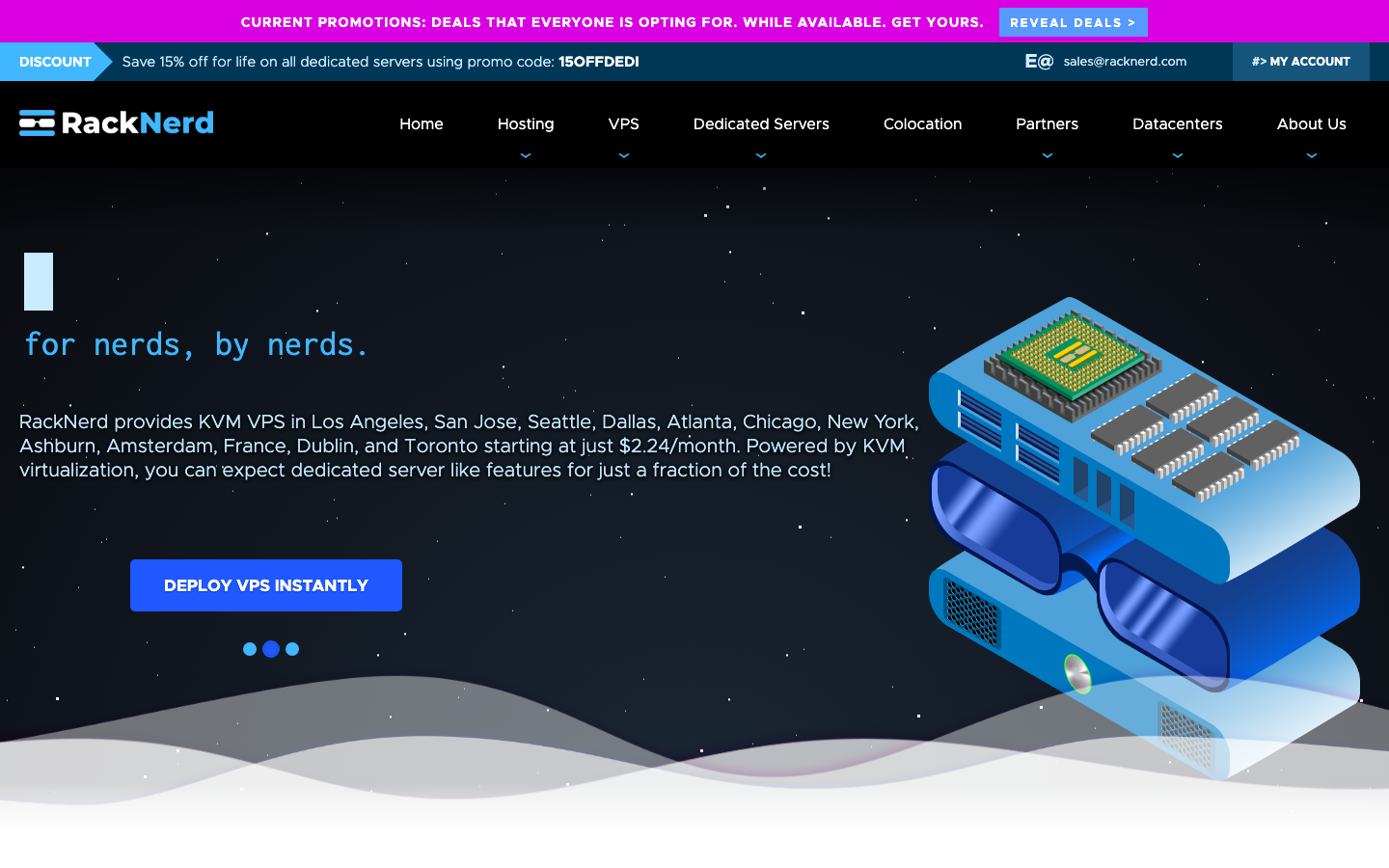
If price is the priority, RackNerd is hard to beat. KVM VPS plans start at $2.24/mo, which is about as cheap as a legitimate always-on server gets. For a Discord bot that mostly sits idle, that low monthly cost matched to low specs is a near-perfect fit.
- KVM virtualization means real, isolated resources rather than oversold containers.
- 12 locations including Los Angeles, San Jose, Seattle, Dallas, Atlanta, Chicago, New York, Ashburn, Amsterdam, France, Dublin, and Toronto, so you can put the bot near you or near your players.
- Affordable headroom if your bot grows; you can size up without jumping to a premium provider.
The trade-off: RackNerd is self-managed (RAW). You get a plain Linux box and you handle the operating system, updates, and your bot's process yourself. For anyone comfortable with a terminal and SSH, that's fine and the savings are real. If you've never touched a command line, read the setup notes below or consider the friendlier option next.
Hostinger: the friendlier pick
If you'd rather not start from a bare Linux prompt, Hostinger is the easier on-ramp. Its KVM VPS plans start at $6.49/mo intro (renewing at $11.99/mo on a 2-year term) and include 1 vCPU, 4 GB RAM, 50 GB NVMe storage, and 4 TB transfer. That's far more than a small bot needs, but the appeal here is the experience, not the rock-bottom price.
- A polished dashboard that makes spinning up the server, rebooting, and managing it less intimidating than a raw VPS.
- A 30-day money-back window, so you can try it without commitment.
- Room to grow: the KVM 2 plan ($8.99/mo intro, renews $14.99/mo) doubles up to 2 vCPU, 8 GB RAM, 100 GB NVMe, and 8 TB transfer if you later run several bots or add a database.
In short: pick RackNerd to pay the least, pick Hostinger to make setup and ongoing management simpler. Both keep the bot online 24/7.
Quick setup notes (Node or Python + keep-alive)
Once you have a VPS, getting a bot running is straightforward. The exact commands vary by distro, but the shape is the same.
1. Connect and prepare the server
SSH into the VPS, update the system, and install your runtime: Node.js for a discord.js bot, or Python for a discord.py bot. Create a regular (non-root) user to run the bot.
2. Get your code onto the server
Clone your repo or upload your files, then install dependencies (npm install for Node, pip install for Python). Add your bot token as an environment variable rather than hard-coding it.
3. Keep it running with a process manager
Don't just launch the bot in a terminal, because it dies when you disconnect. Use a keep-alive layer that restarts the process automatically:
- Node: run the bot under PM2 (pm2 start index.js, then pm2 startup and pm2 save) so it survives crashes and reboots.
- Python: create a systemd service that auto-restarts on failure and starts at boot. systemd works for Node too if you prefer one tool.
4. Confirm it stays online
Reboot the server once and check the bot comes back by itself. That single test proves your keep-alive is configured correctly, which is the whole point of moving off a home PC.
FAQ
How much RAM does a Discord bot need?
Most small to mid-size bots run comfortably on 1 GB of RAM, and 2 GB gives plenty of room for a database or extra background tasks. Discord bots are mostly idle, waiting for events, so a cheap low-spec VPS is usually all you need unless the bot does media processing or heavy AI work.
Why not just host the bot on my own computer?
A bot must stay connected 24/7, and a home PC goes offline whenever it reboots, sleeps, updates, or loses internet. Leaving it on also wastes power and ties up the machine. A VPS lives in a data center with stable power, a fixed IP, and real uptime, so the bot keeps running even when your computer is off.
How do I keep the bot running after I disconnect from the server?
Use a process manager so the bot restarts on crashes and survives reboots. For Node.js, run it under PM2 and enable startup on boot; for Python, create a systemd service set to auto-restart. Then reboot the VPS once to confirm the bot comes back online by itself.