Comparison
Kinsta vs WP Engine 2026: Which Managed WordPress Host Should You Choose?
Quick verdict
Kinsta and WP Engine are both premium managed WordPress hosts aimed at businesses, agencies, and high-value sites. Kinsta runs every site on Google Cloud's premium tier with Cloudflare-powered CDN and a single human-only support tier, and its plans are priced per WordPress install with clear public pricing. WP Engine offers a broader plan ladder (Startup through Enterprise) with a deep WordPress ecosystem, EverCache, and managed bulk migrations, but routes more advanced features and phone support to higher tiers. If you want transparent per-site pricing and uniform support, lean Kinsta; if you want a wider plan range and a mature agency ecosystem, lean WP Engine.
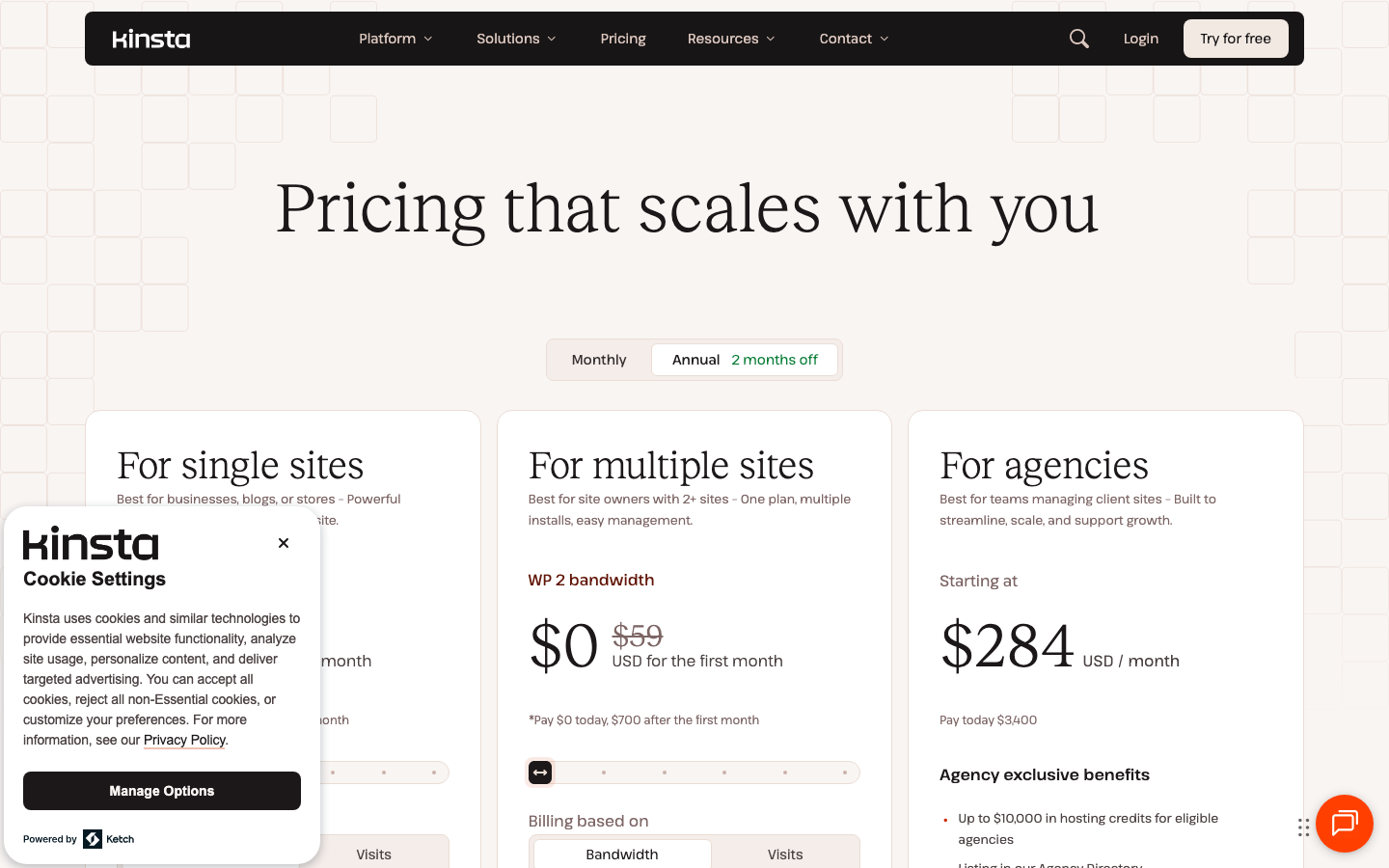
Pricing at a glance
| Tier | Kinsta | WP Engine |
|---|---|---|
| Entry single-site plan | Single 20GB: $35/mo ($30/mo billed annually) | Startup: $30/mo billed annually (1 site) |
| Mid business plan | Single 65GB: $90/mo (single high-traffic site) | Professional: $55/mo (3 sites); Growth: $109/mo (10 sites) |
| Higher-capacity plan | Single 250GB: $290/mo; up to $375/mo single-site | Scale: $276/mo (30 sites) |
| Agency / Enterprise | Agency from $340/mo; enterprise via sales | Core from $400/mo; Enterprise: custom quote |
| Backup retention | 14 days (20–30 days on larger plans) | Up to 40 days revert on daily backups |
Feature comparison
| Area | Kinsta | WP Engine |
|---|---|---|
| Infrastructure | Google Cloud Platform premium tier, all plans | Cloud infrastructure with isolated resources on Core and above |
| CDN | Cloudflare integration with 260+ POPs, edge caching | Global CDN powered by Cloudflare |
| Caching | Built-in edge caching | EverCache, plus optional NitroPack on higher tiers |
| Migrations | Unlimited free expert migrations on all plans | Free automated migration plugin; managed bulk migrations on Core+ |
| Support | 24/7 human-only support in 8 languages, one tier for all | 24/7 support; chat-only on Startup, chat + phone on higher plans |
| Security | Managed WAF, Enterprise DDoS, free malware removal | Layer 3+4 DDoS standard; managed WAF and advanced DDoS on higher tiers |
| Pricing model | Per WordPress install, by bandwidth or visits | Plan ladder by sites, visits, storage, and bandwidth |
| Notable extras | Built-in APM tool, Kinsta API, SAML SSO on all plans | Genesis blocks, 10 premium themes, transferable sites, GitHub Actions deploys |
Kinsta in one paragraph
Kinsta puts every site on Google Cloud's premium tier and bundles the same feature set and human-only support across all plans, from a single 20GB site at $35/mo to agency plans starting at $340/mo. Free unlimited migrations, a built-in APM tool, managed WAF with Enterprise DDoS, and free malware removal are included even on the entry plan. Kinsta is a strong fit when you want predictable per-site pricing and do not want support quality to depend on how much you spend. It is listed as a G2 WordPress hosting leader with a 4.8-star rating across 1,200+ reviews and reports 230,000+ business customers.
WP Engine in one paragraph
WP Engine offers a wider plan ladder, from a $30/mo Startup plan (billed annually, new customers) up through Growth, Scale, Core, and Enterprise. It leans on EverCache, a Cloudflare-powered global CDN, daily backups with up to 40-day revert, one-click staging, and a deep WordPress ecosystem including Genesis blocks, 10 premium themes, and GitHub Actions deployments. Some capabilities such as phone support, NitroPack, isolated resources, and a 99.99% uptime SLA are reserved for higher tiers, so the right plan depends on how many sites you run and how much performance isolation you need.
When to choose each host
Choose Kinsta if...
You want transparent per-site pricing, the same human support and security features on every plan, and a single premium Google Cloud stack without choosing infrastructure yourself.
Choose WP Engine if...
You want a broader plan ladder with multi-site bundles, a mature WordPress ecosystem and theme tooling, and you are comfortable that some features unlock on higher tiers.
FAQ
Is Kinsta or WP Engine cheaper?
Entry pricing is close: WP Engine's Startup plan is $30/mo billed annually for new customers, and Kinsta's single 20GB plan is $35/mo ($30/mo billed annually). WP Engine's higher tiers bundle multiple sites, while Kinsta prices per install, so total cost depends on how many sites you run.
Do both include free migrations?
Kinsta includes unlimited free expert migrations on all plans. WP Engine provides a free automated migration plugin, with managed bulk migrations on Core and higher plans.
Which has better support?
Kinsta offers the same 24/7 human-only support across every plan. WP Engine offers 24/7 support but limits Startup plans to chat, adding phone support on higher tiers. We have not completed hands-on support testing, so we are not declaring a winner yet.
Bottom line
Both are credible premium managed WordPress hosts. Kinsta is the cleaner pick for uniform pricing, support, and security per site; WP Engine is the more flexible pick for multi-site plans and a broad WordPress ecosystem. We are not assigning a winner score until ToolBistro completes hands-on uptime, dashboard, support, and migration testing.
If neither premium host fits your budget or control needs, compare Cloudways for flexible managed cloud hosting or Hostinger for a lower-cost beginner option. See also Cloudways vs Kinsta and our best managed WordPress hosting shortlist.