Scan or import
Use the document camera or choose a receipt screenshot. Recognition and storage run on-device.
ExpenseKit for iPhone
Turn receipt photos into a searchable quarterly ledger, confirm low-confidence fields, and export a flat CSV plus a polished PDF pack—all without sending the receipt to a developer server.
ExpenseKit organizes receipts. It does not provide tax, legal, or accounting advice.
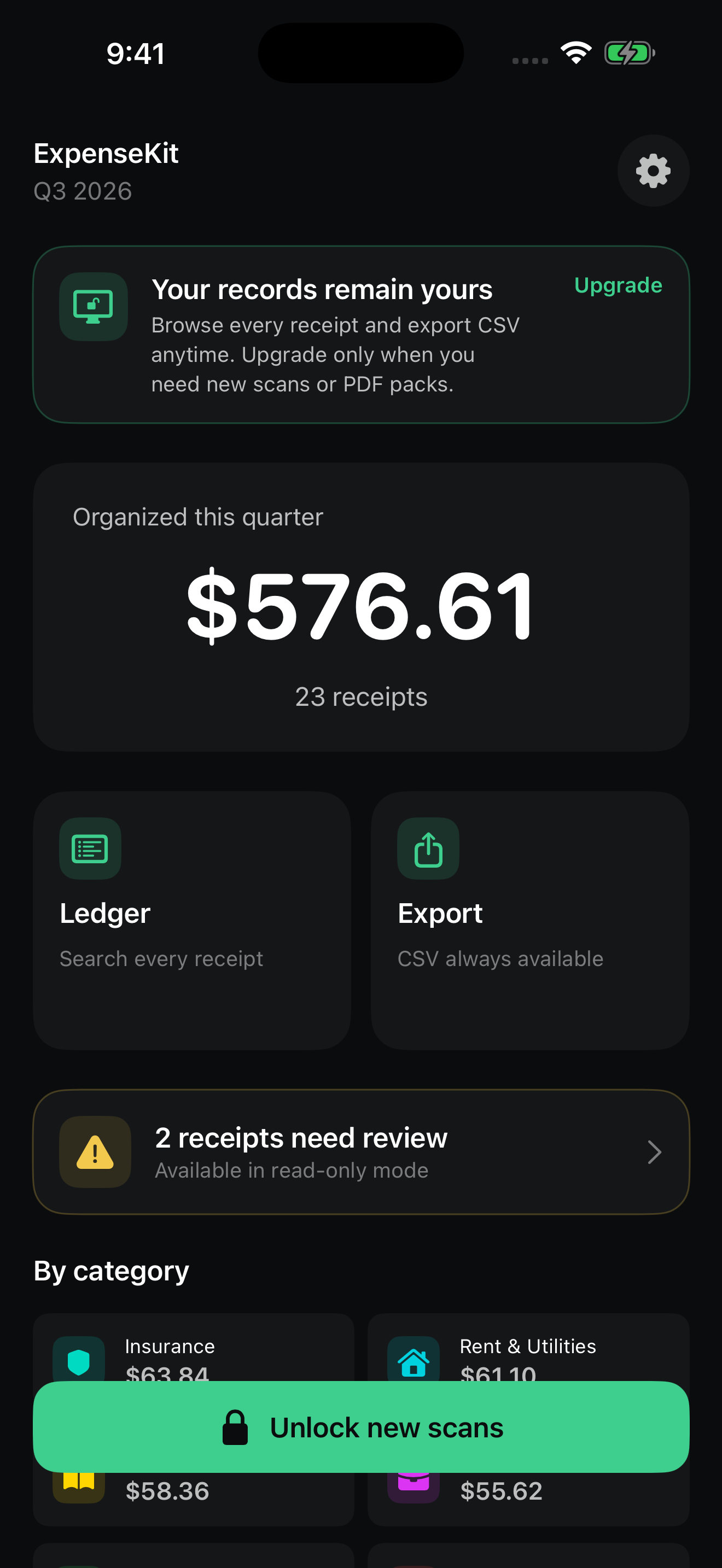
A ledger you check
ExpenseKit reads merchant, total, date, and tax locally, then flags uncertain fields for confirmation instead of silently treating a guess as fact.
Use the document camera or choose a receipt screenshot. Recognition and storage run on-device.
Search confirmed receipts by quarter and category. Different currencies remain separate.
Create CSV records and a PDF with summaries, receipt details, and an optional image appendix.
Private by architecture
Receipt images, recognized text, categories, merchant rules, and exports live in ExpenseKit's local app storage unless you choose to share a file.
Read the privacy policy