Scan printed notes
Use the document camera or choose a page from Photos. Text recognition runs on-device.
Snapcard for iPhone
Photograph a page of printed notes, check every source-linked card, and study on a schedule built around your real exam date. Snapcard keeps the page, cards, and review history on your iPhone.
No account, licensed test-prep library, ads, analytics, or developer server.
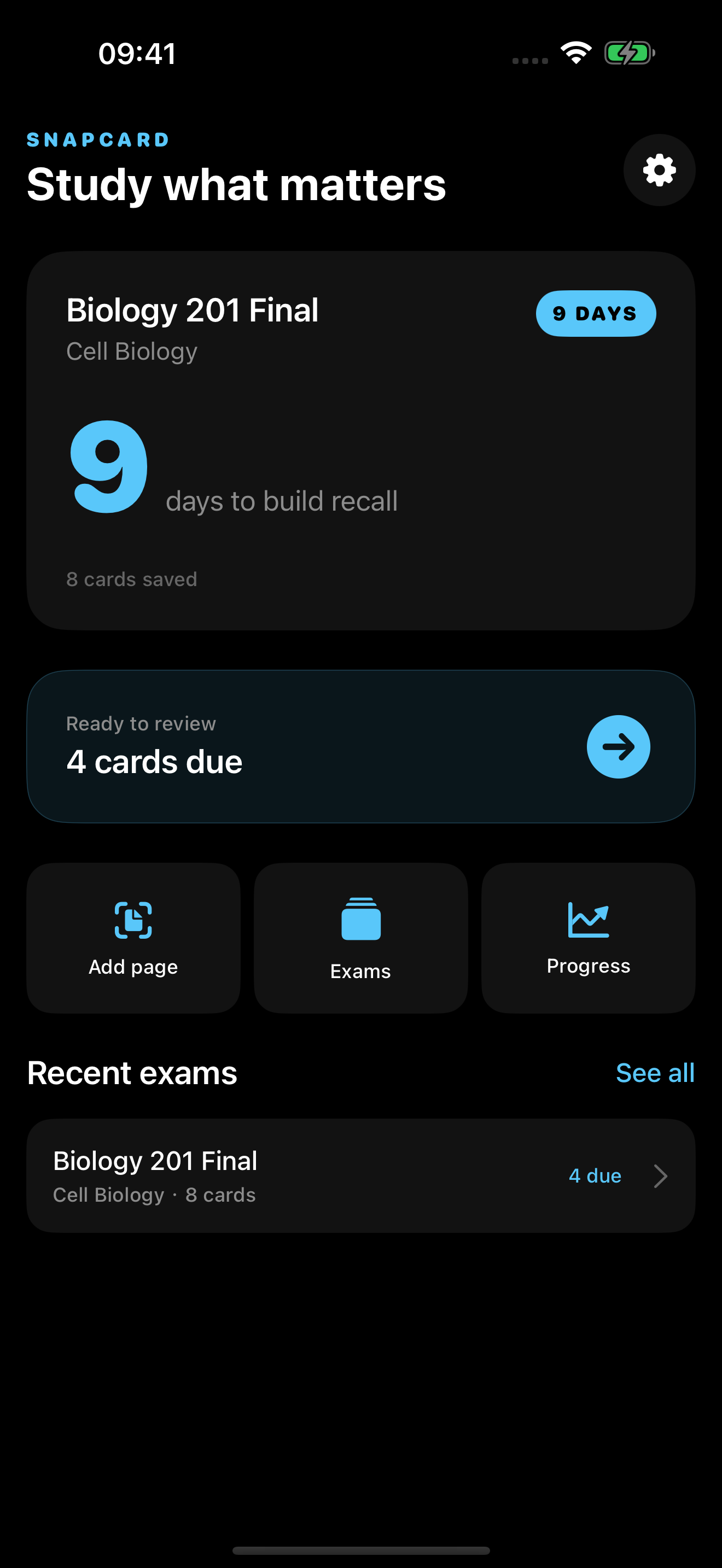
From page to plan
Snapcard does not ask you to trust a black box. Each draft card keeps a snippet from the source so you can edit or remove it before saving.
Use the document camera or choose a page from Photos. Text recognition runs on-device.
Compare every answer with its source snippet, then edit, remove, or keep the card.
Add an exam date and rate each answer so the local spaced-review plan adapts.
Private by design
Scanned images, recognized text, decks, and study history stay in Snapcard's local app storage. ToolBistro does not receive your notes.
Read the privacy policy